Photo Packs / LinkedInLinkedIn
Create 9 photos
AI LinkedIn photoshoot
LinkedIn
ready for what’s next.
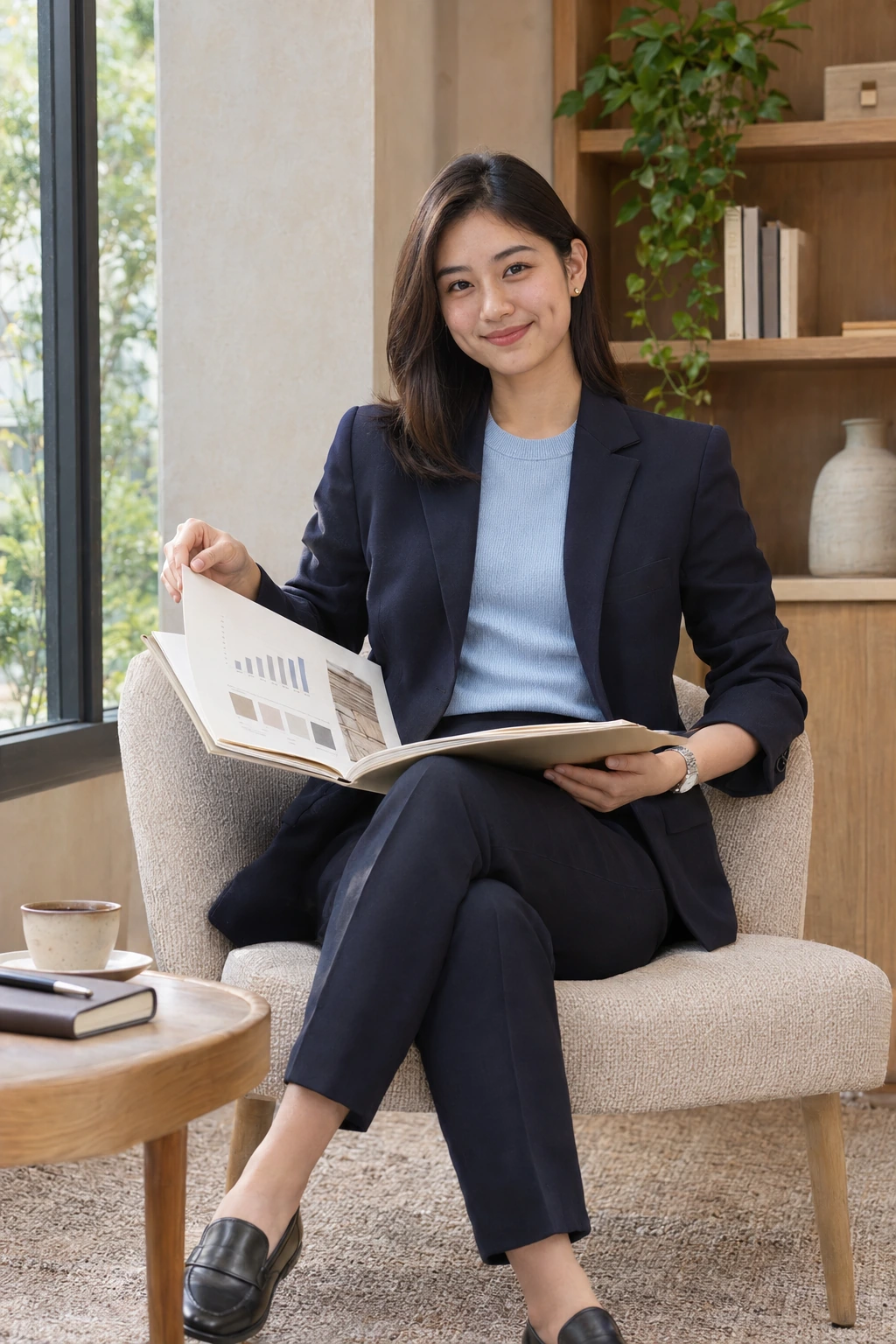
Follow a career-focused morning across a private coworking studio and its business campus. The same fictional adult woman, navy suit and powder-blue knit top connect nine moments, from a portfolio review to a thoughtful follow-up.
SCENES9 coordinated photos
STYLEnatural professional lifestyle
MODELOne consistent model
Ready for your own collection.
One credit per scene. Use your own photos to create your private series.
AI examples illustrate the scenes. Personal results can vary.
The complete linkedin series
One story.
Nine frames.
Consistent identity, wardrobe and color.
A sequence designed to belong together.
A focused profile update
The next step
A personal introduction
Mapping the idea
Learning something new
A moment before the interview
Presenting the case
Keeping the conversation going
These are fixed AI samples featuring fictional adults. They are not customer results.
Your personal collection
The scene is set.
You bring the story.
Your complete 9-photo sequence is ready. Your reference photos supply your identity; the pack guides the poses, styling and light.
One selected scene uses one credit. Your finished images will appear in My Photos, with individual downloads and a collection download.
Create your LinkedIn collectionChoosing your linkedin scenes
Choose a LinkedIn professional photo series
Choose a clear first impression
The portfolio portrait and friendly introduction offer direct eye contact. Compare them with the atrium full-length frame and the wider library and presentation scenes. Every sample is vertical 2:3; choose the framing that suits your intended placement before planning a crop.
Follow a morning of preparation
Review a finished portfolio, refine a resume and arrive at the career lab. A recorded introduction, whiteboard plan and reference-library study session lead into interview practice, a case-study rehearsal and a final phone follow-up. The navy suit and powder-blue knit connect the sequence.
Know what the examples show
These nine AI-generated samples feature one fictional adult model. They demonstrate professional scenes, expressions, wardrobe and light. Personal generation is available. Review the photo requirements and credit total before creating.
Before you create
Your LinkedIn photo checklist
Available for personal generation
This collection accepts personal-generation requests. Sign in on the creation page, add your reference photo and review the credit total.
Photos to prepare
Use one clear, recent solo photo per adult, with the face visible in natural light. Obtain permission from each adult. Avoid sunglasses and heavy filters. JPEG, PNG or WebP; at least 512 pixels per side; up to 8 MB per image.
Your complete collection
All 9 photos are included automatically. Your reference supplies identity; each scene guides pose, outfit, props and light. Independent outfit or pose editing is not offered.
Output and limits
Create your complete pack from your reference photos. Likeness, hands, poses and details can vary. Public examples feature fictional subjects and do not guarantee an identical result.
Credits before you start
One selected scene uses one credit; the complete 9-photo series uses 9 credits. Credits are purchased once, with no monthly subscription. Confirmed technical failures return affected reserved credits.
Private photos and downloads
References and personal results stay private and are not added to the public sample gallery. Finished photos appear in My Photos, with individual and collection downloads.
Compare current one-time credit packages · Photo privacy · Refund policy
Keep exploring
Related photo packs.
 9 Pics9 Credits
 9 Pics9 Credits
 9 Pics9 Credits
Portraits / 9 scene concepts
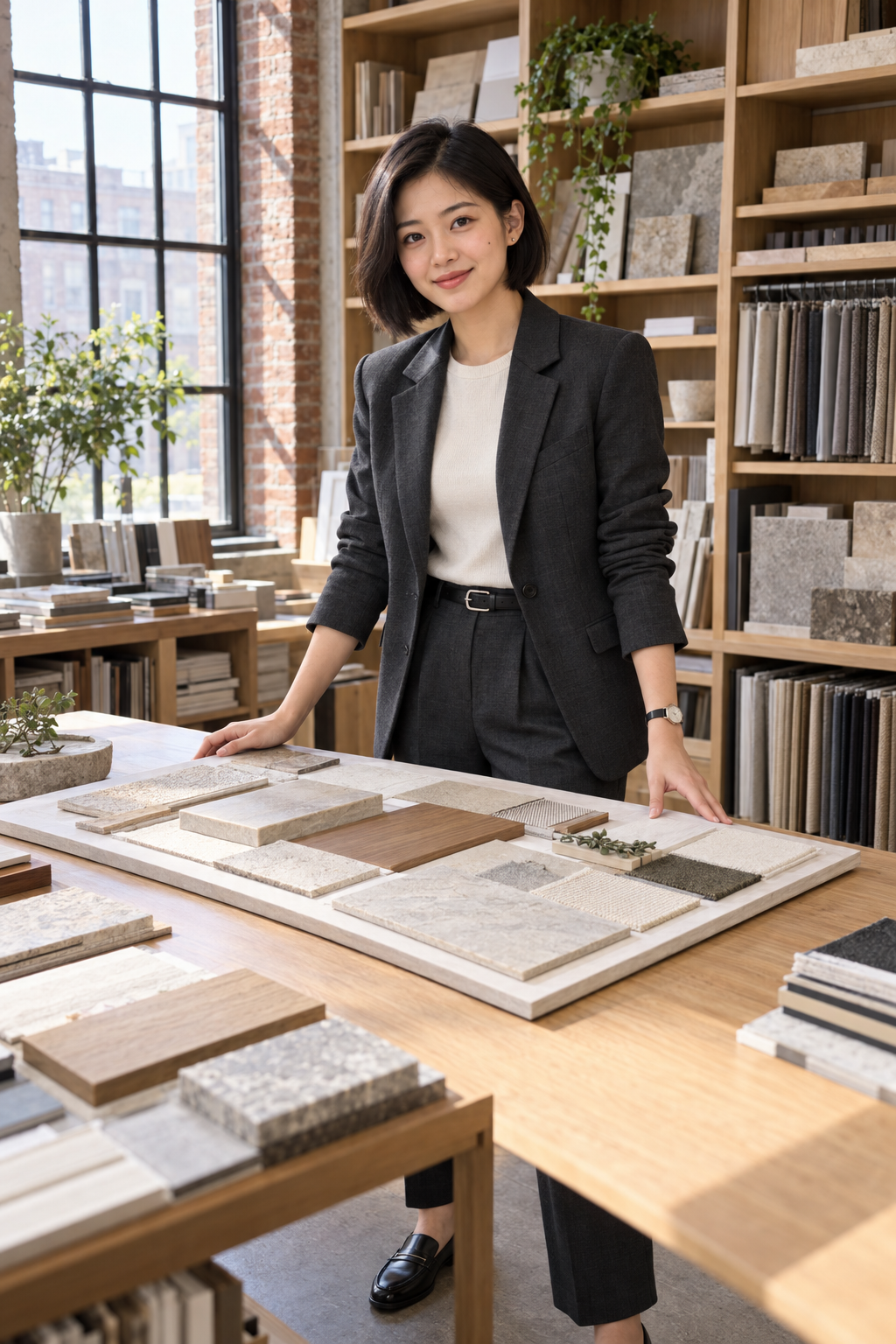
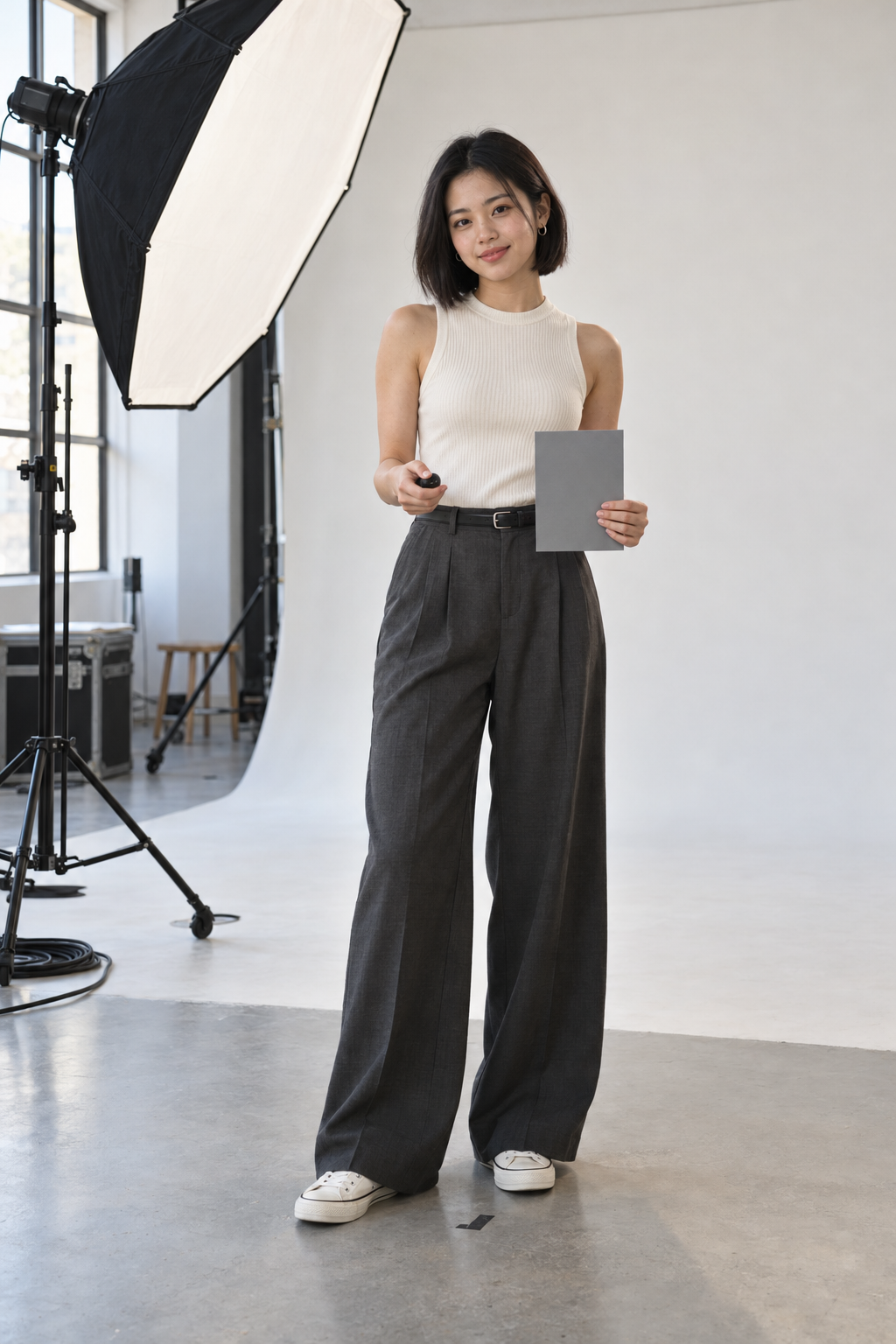
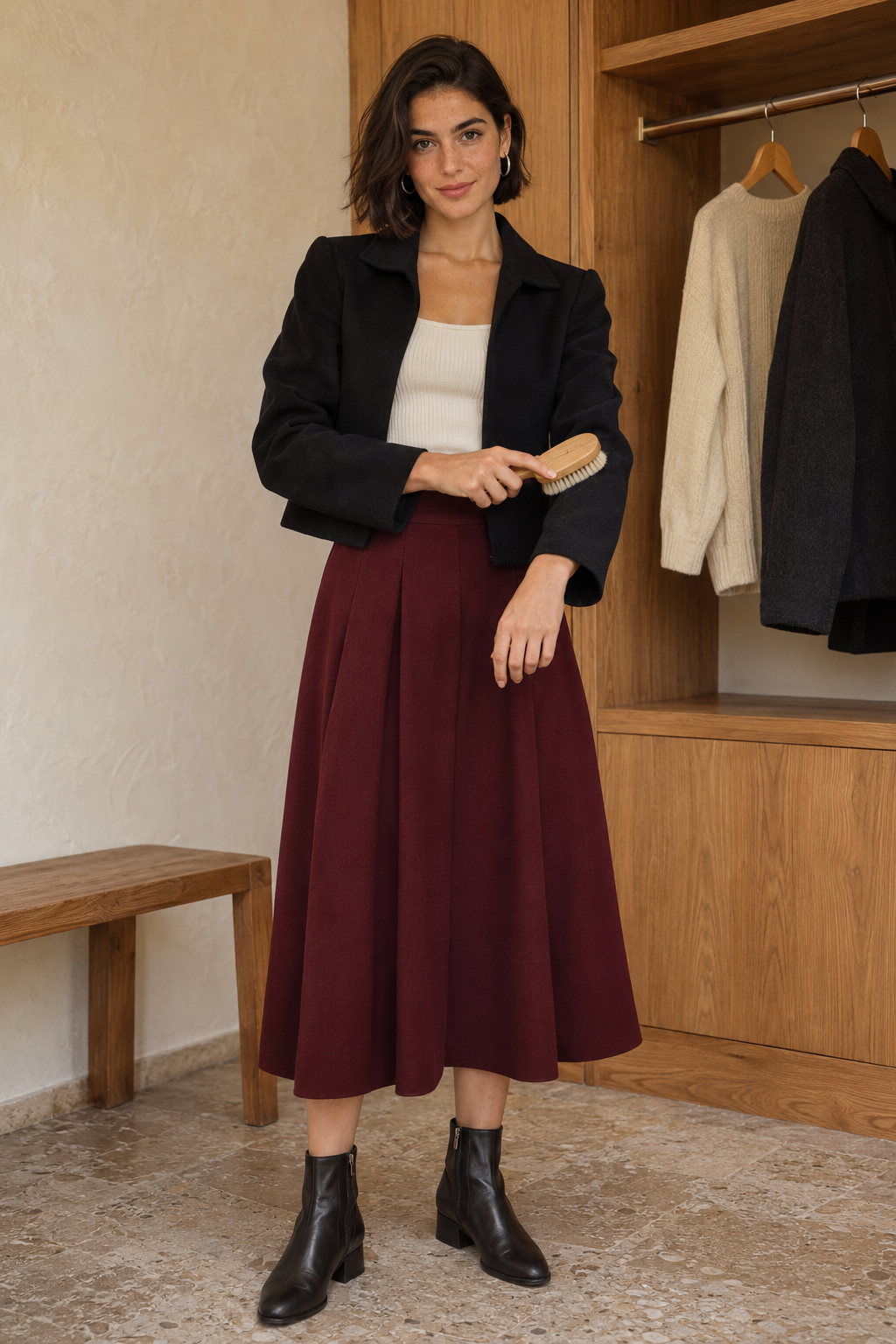
Lifestyle Fashion Photoshoot
A day of texture, movement and personal style.
A few things to know
Before your
close-up.
Can I create my own photos now?
Yes. Every published collection with its complete scene templates supports personal generation. Choose your pack, sign in on the creation page and add the required private reference photo.
Are the people in the examples real customers?
No. All displayed subjects are fictional, created with AI for these concept collections. No customer references or private customer results appear in the gallery.
How will a photo pack work?
Choose a collection. Its complete photo sequence is selected automatically. Sign in, add the required reference photos and use Credits to start generation. Each scene uses one credit. Finished photos stay private and can be downloaded individually or as a collection. There is no free personalized preview.
Will the photos look exactly like the examples?
AI results can vary. Likeness, hands, poses and scene details can vary across AI generations.
How do credits work?
Each selected scene reserves one credit when generation starts. A completed photo uses that credit; a confirmed technical failure returns it. An uncertain provider request is reviewed before any resubmission or adjustment. Compare Starter, Plus and Pro on the Pricing page. Review the selected scenes and credit total before starting.